Emails Opens counts the total number of times your email was opened by all recipients and is counted each time any recipient opens your email.
You send out an email newsletter to your entire list of 1,000 subscribers. Out of this list, 600 subscribers actually open your email. However, 100 of them open your email twice. Your total Email Opens is 500 + (100*2) which is 700 Email Opens.
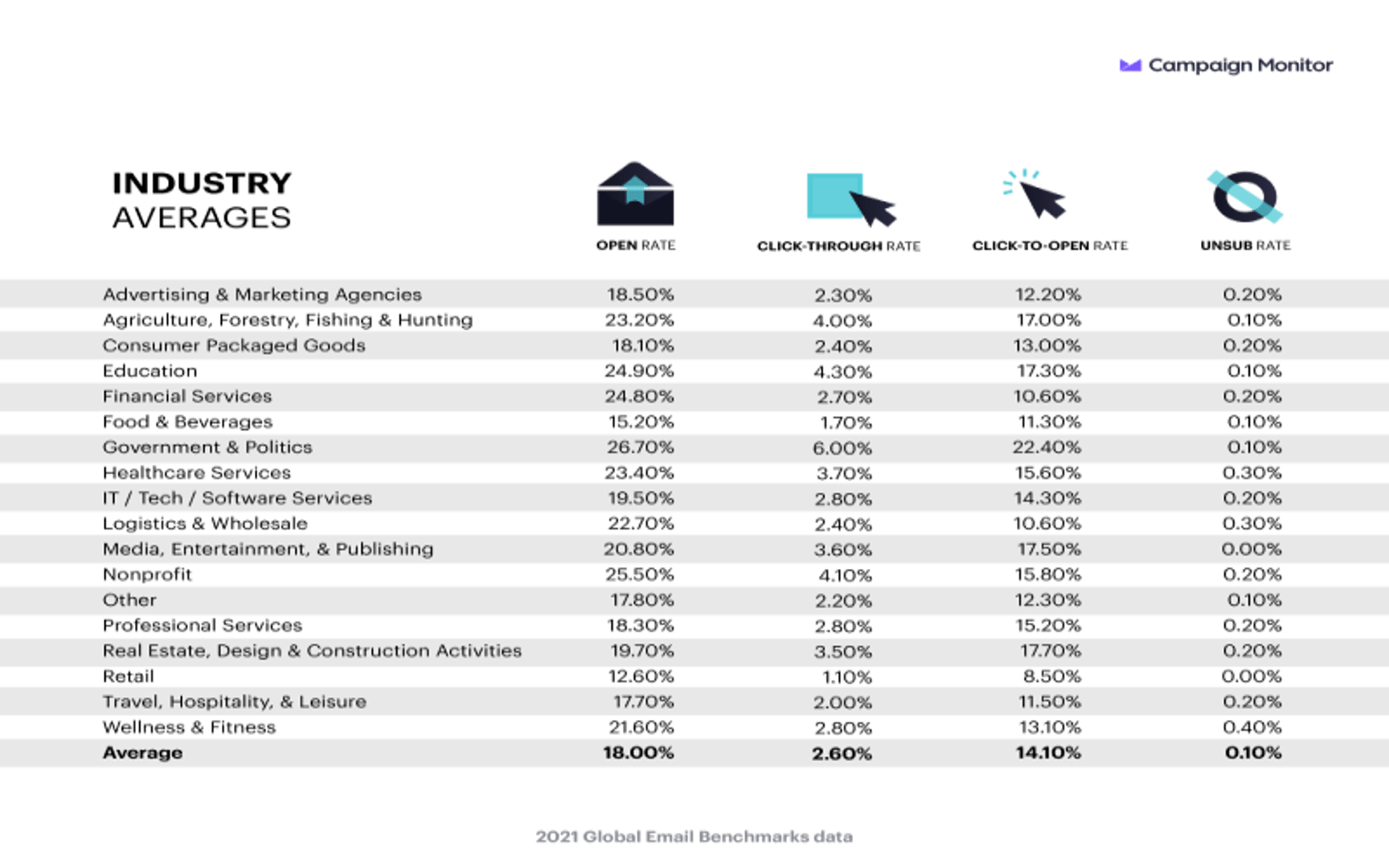
A good Email Open Rate is generally around 18%. However, there are no benchmarks for Email Opens because this number varies from person to person.
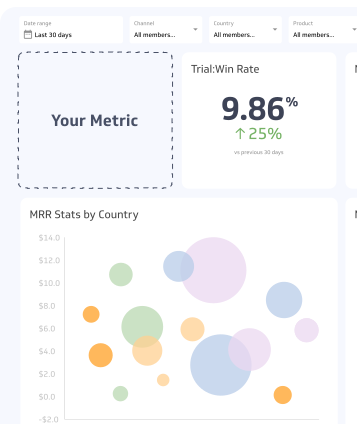
To visualize your Email Opens data, it is best to view this number in a summary chart, which is sometimes also called a metric chart. This displays your data as a single number for a given time period or maximum date range. You can then compare the data against a previous time period (Year-over-Year for example). Take a look at the chart for an example of how to visualize your Email Opens data:
Email Opens counts the total number of times an email is opened over a period of time. The opens do not have to be unique; Emails Opens go up even if the same person opens your email multiple times. This metric can be a good indicator of the overall health of your email list and success of your email campaign.
Of course, it is best to track your Email Opens with other data from your email campaign such as Email Clicks, Email Deliveries, Email Click Rate, CTR, and Email Open Rate. This ensures you have a robust view of all your data and can make sense of increasing or decreasing Email Opens.
To help increase your Email Opens, follow email best practices such as double opt-in, regularly cleaning your email list, and click-worthy (not click-bait!) subject lines.