You post an update on your LinkedIn Business page. The post receives 50 reactions, 5 comments, 5 shares, and 3 follows. Post Engagement = 50 + 5 + 5 + 3 = 63. This means 63 people interacted with your post in some way.
Post Engagement
Last updated: May 26, 2026
What is Post Engagement?
Post Engagement is the total count of interactions with an individual post. Interactions include clicks, reactions, comments, shares, and follows.
Alternate names: Update EngagementPost Engagement Formula
ƒ Count(Post Engagement)
How to calculate Post Engagement
Start tracking your Post Engagement data
Use PowerMetrics, modern analytics platform, to monitor your data. Choose a service below to start tracking your Post Engagement instantly.


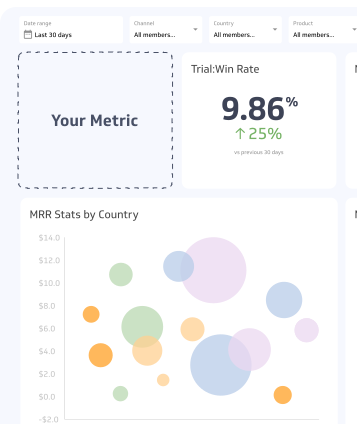
How to visualize Post Engagement?
To visualize your Post Engagement in a dashboard, you can use a summary chart to display the current value or a table to segment reactions by post. However, it's important to track other metrics such as engagement rate and click rate along with Post Engagement to get a better understanding of your social media post performance.
Post Engagement visualization example

Summary Chart
Here's an example of how to visualize your current Post Engagement data in comparison to a previous time period or date range.

Post Engagement
Chart
Measuring Post EngagementMore about Post Engagement
Engagement measures the level of interaction with your content. On most social media platforms, engagement takes the form of likes, reactions, comments, shares, and clicks to view your content. By tracking the Post Engagement of each individual post, you understand which topics, formats, and messages resonate most with your target audience. Over time, you can identify patterns in the type of content that works best at generating interaction. This metric, along with Post Engagement Rate – which measures the percentage of impressions that convert to engagement – helps validate your content marketing strategy.
Contributor